Shape the terrain
Use procedural noise controls to develop the structure of your map.
Keystone Creative / MapMosaic
Shape terrain, explore color, and turn procedural maps into stylized environments for games and storytelling.
The workflow
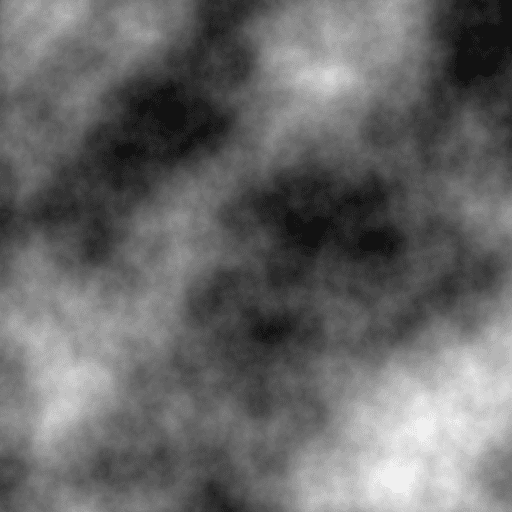
Use procedural noise controls to develop the structure of your map.
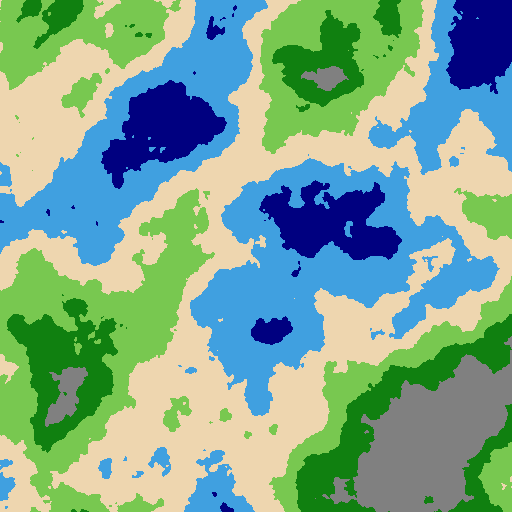
Adjust color bands and paint local details before applying a style.
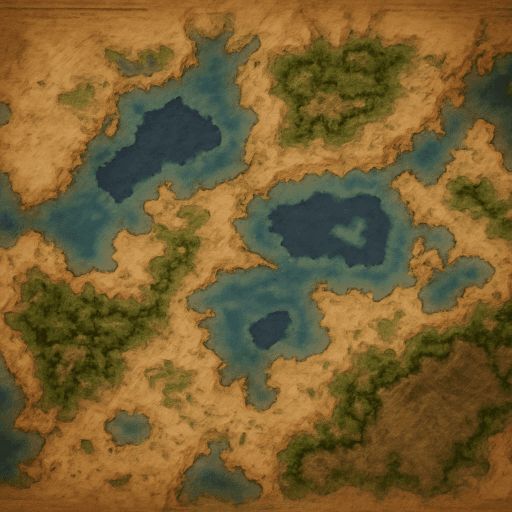
Use an art-style prompt to generate a stylized interpretation of the terrain.
Getting started
Check the project’s current installation instructions and release notes for supported versions.
Practical details
Visit the itch.io page for the distributed project or GitHub for source and setup instructions.
The workflow starts with procedural terrain and color controls; AI styling is a subsequent part of the process.
Check the current project documentation for supported export sizes and provider requirements.