Start from text or an image
Explore model generation using natural-language prompts or reference artwork.
Keystone Creative / MeshHub
A local workflow for AI-assisted 3D creation: generate a model, explore its surface, and prepare an asset for your next project.
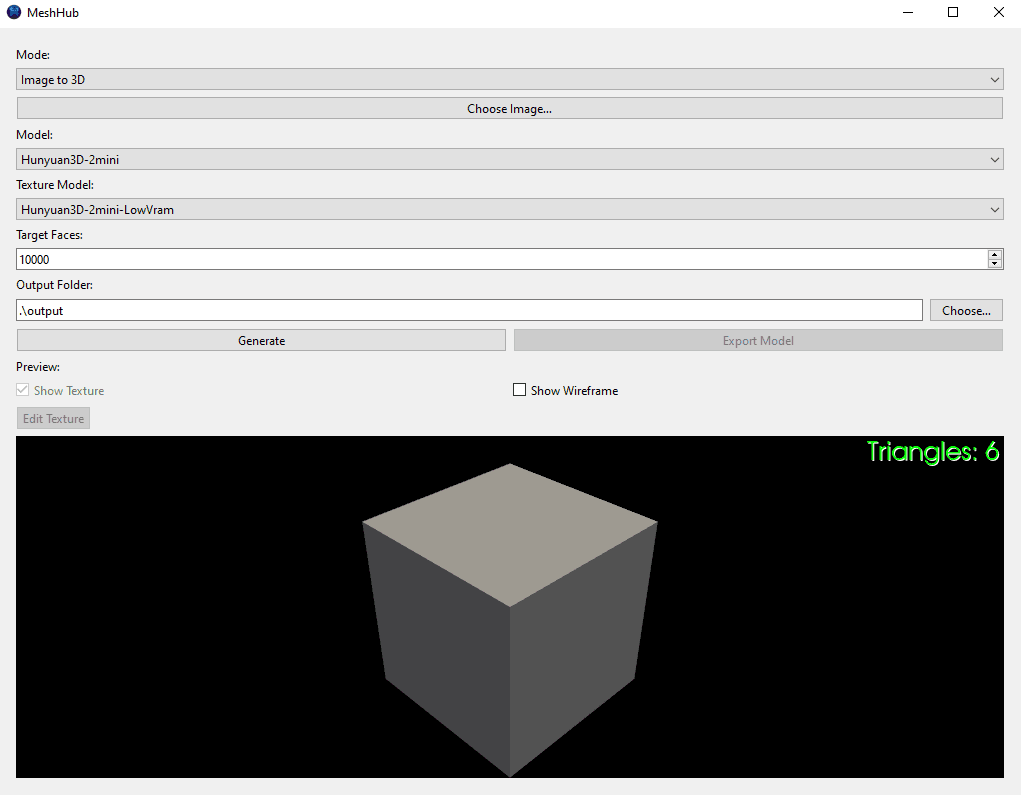
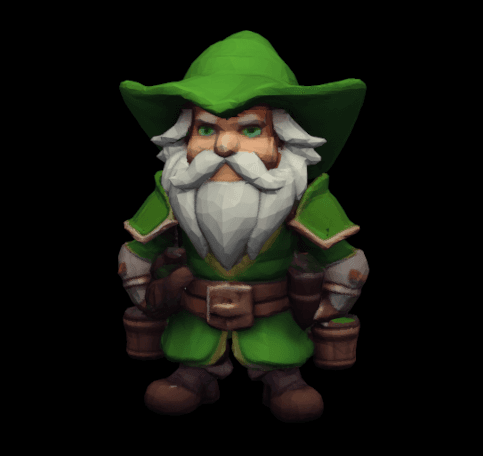
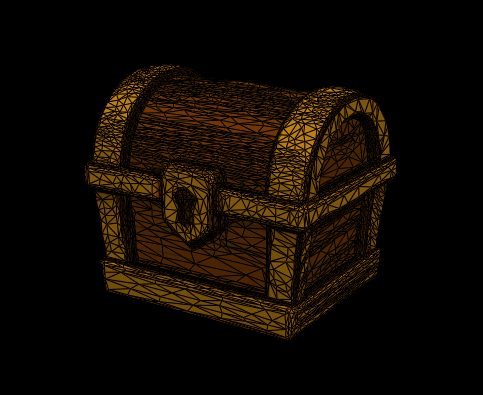
The workflow
Explore model generation using natural-language prompts or reference artwork.
Bring generation, texturing, and editing into the same local workflow.
Preview a model in 3D and export GLB assets for downstream work.
Getting started
Check the project’s current installation instructions and release notes for supported versions.
Practical details
No. Follow the project’s setup guide to run the application locally.
The documented workflow uses local models. Additional providers, if configured, may have their own requirements.
Use the project’s GitHub repository for issues, contribution instructions, and current development status.