Explore a character
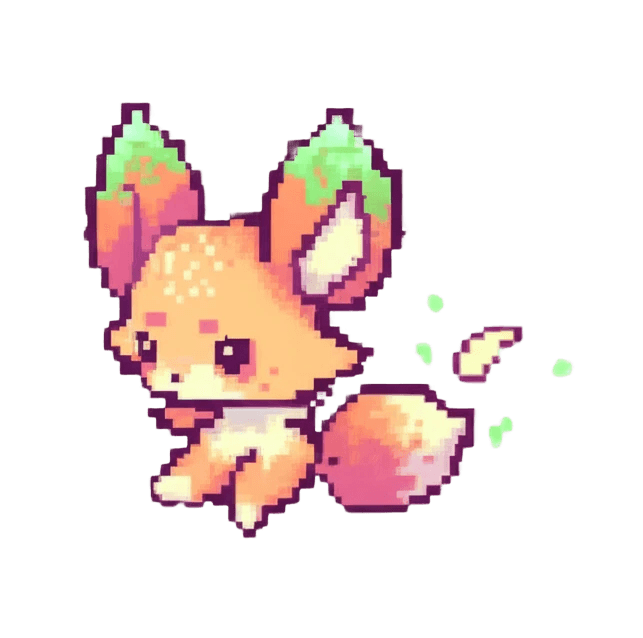
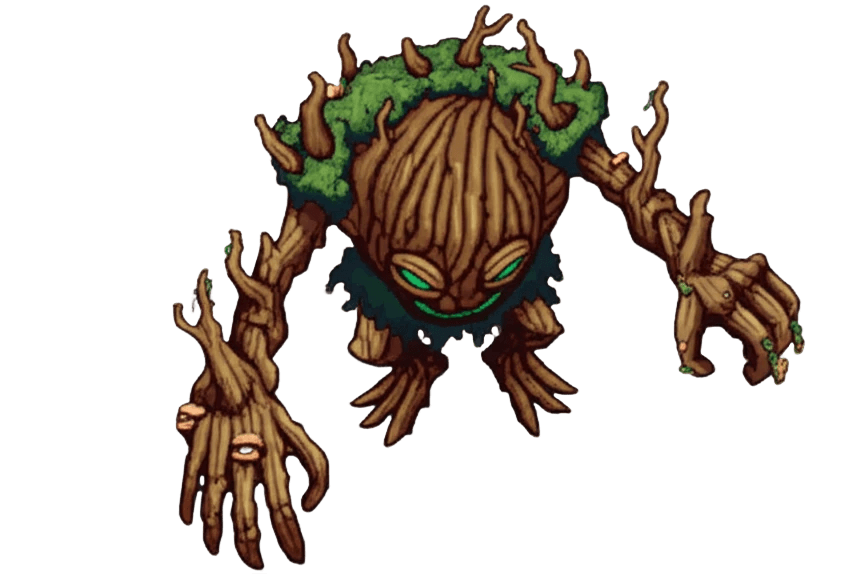
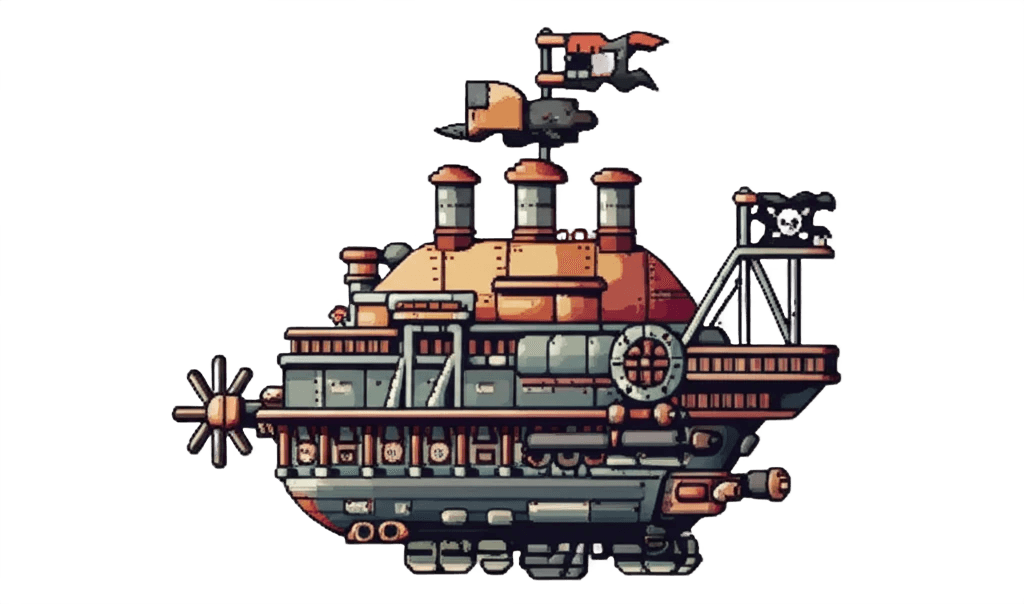
Use generative image providers to develop sprite concepts and animations.
Keystone Creative / Sprite Sage
Explore sprite and animation creation with AI-assisted generation, project references, and a workflow built for game developers.
The workflow
Use generative image providers to develop sprite concepts and animations.
Use project descriptions and reference images to guide the look of your assets.
Export sprite sheets and animations for a Godot workflow.
Getting started
Check the project’s current installation instructions and release notes for supported versions.
Practical details
Sprite Sage is a separate project. Use its itch.io page or GitHub repository to get started; this page introduces the tool.
The project is open source. Review the repository’s license and contribution instructions before adapting or redistributing it.
Use the current project documentation and release notes. Provider models and requirements can change independently of this website.